BLOG POST
Snapshots are GoHighLevel's answer to repeatable setup: a saved configuration you can load into a new sub-account so you are not rebuilding from scratch for every client. For agencies onboarding regularly, they are the difference between a viable process and an unviable one.
They are also frequently oversold. This is what a review-related snapshot actually contains, what it cannot contain, and what that means for your onboarding time.
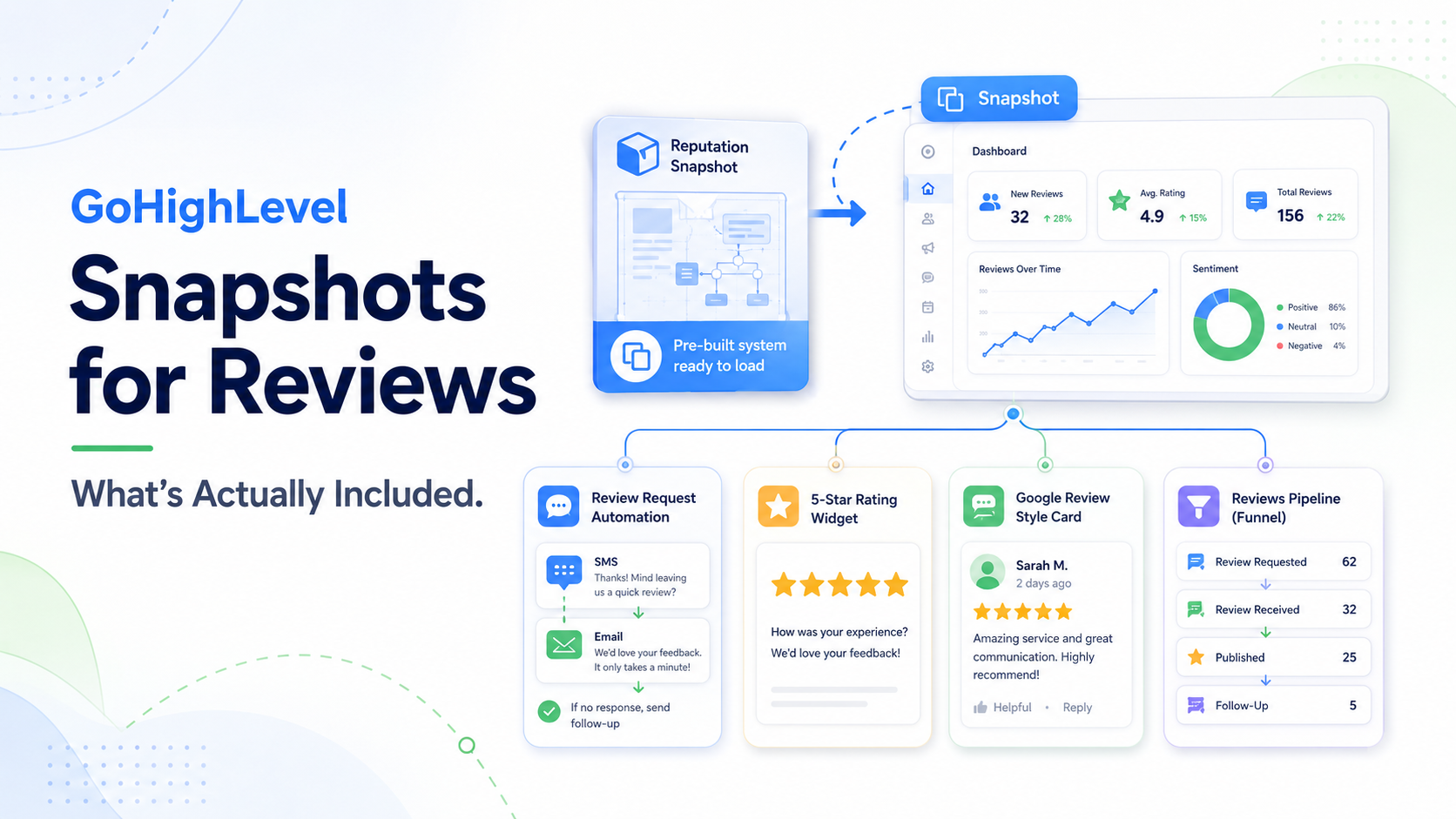
Snapshots capture configuration that is not tied to a specific account's credentials or data:
For review automation, that is genuinely most of the intellectual work. If you have spent time building a good three-touch review sequence with sensible timing, the snapshot preserves it and you never rebuild it.
This is the part that determines your actual onboarding time.
The Google Business Profile connection. An OAuth connection to the client's own Google account. It cannot be templated. Someone has to log in with credentials the client controls, authorise the connection, and confirm it is linked to the correct location — which matters if the client has several profiles under one login.
The review requests toggle. Review requests must be enabled in the sub-account settings. Easy to miss, and if it is off, the workflow appears to run while nothing sends.
Phone numbers and A2P registration. Each sub-account needs its own number and, in the US, its own A2P 10DLC brand and campaign registration. That is both a cost and a lead time — campaigns need approval before SMS flows.
Client-specific copy. Your template says “Thanks for choosing [Business].” A snapshot brings the structure; someone still writes the version that sounds like this client rather than generic.
Integrations. ServiceTitan, Jobber, a POS, a scheduler — each needs its own authorisation per sub-account.
Payment and domain configuration. Stripe connections, sending domains, custom domains.
Users and permissions. Added per sub-account.
Build your own. The right answer for any agency doing this repeatedly. Configure one sub-account exactly as you want it, save it as a snapshot, load it for every subsequent client.
Free community snapshots. Widely shared in HighLevel Facebook groups and elsewhere. Quality varies enormously. Useful as a reference for how someone else structured a workflow; risky as a production starting point, because you inherit configuration you did not write and do not fully understand.
Paid marketplace snapshots. A real cottage industry, often industry-specific, ranging from tens to several hundred dollars. The good ones save genuine time. The main caveat is that you are buying someone else's assumptions about your business, and debugging a complex workflow you did not build can cost more than building a simple one yourself.
A practical filter for paid snapshots: buy for the parts that are tedious to build and generic across businesses (a well-structured multi-touch sequence), not for the parts that are specific to you (your copy, your timing, your triggers).
Snapshots are a starting template, not a live sync.
Load a snapshot in January. In March a client asks for a different follow-up delay, so you edit their workflow. In August you improve your master snapshot — better copy, an extra touch, smarter timing. New clients get the improved version. The twelve existing accounts keep what they were built with.
Eighteen months later you have twenty clients across eleven configurations, and any change to your standard process means opening twenty sub-accounts. Every agency running GoHighLevel at scale hits this eventually, and there is no built-in mechanism that resolves it.
Two things reduce the pain. Version your snapshots with dates and a written changelog, so you at least know who is on what. And resist per-client customisation — offer two or three standard configurations rather than bespoke builds, because every tweak is a permanent maintenance liability.
For a review automation setup on a new client sub-account, budget roughly:
The snapshot removes the building. It does not remove the connecting, the waiting or the testing.
Snapshots are a genuinely good feature and any agency running GoHighLevel should build and maintain their own. Treat the “70% there” framing as roughly accurate: the reusable logic transfers, the account-specific setup does not, and the drift between accounts accumulates quietly over time.
If per-sub-account setup and the reporting that follows are consuming more of your team's time than you would like, our post on managing client reviews at scale in GoHighLevel covers the operational side and what can be automated. And if you are building the review workflow itself, the step-by-step guide to review request automation covers what should go into the snapshot in the first place.





