BLOG POST
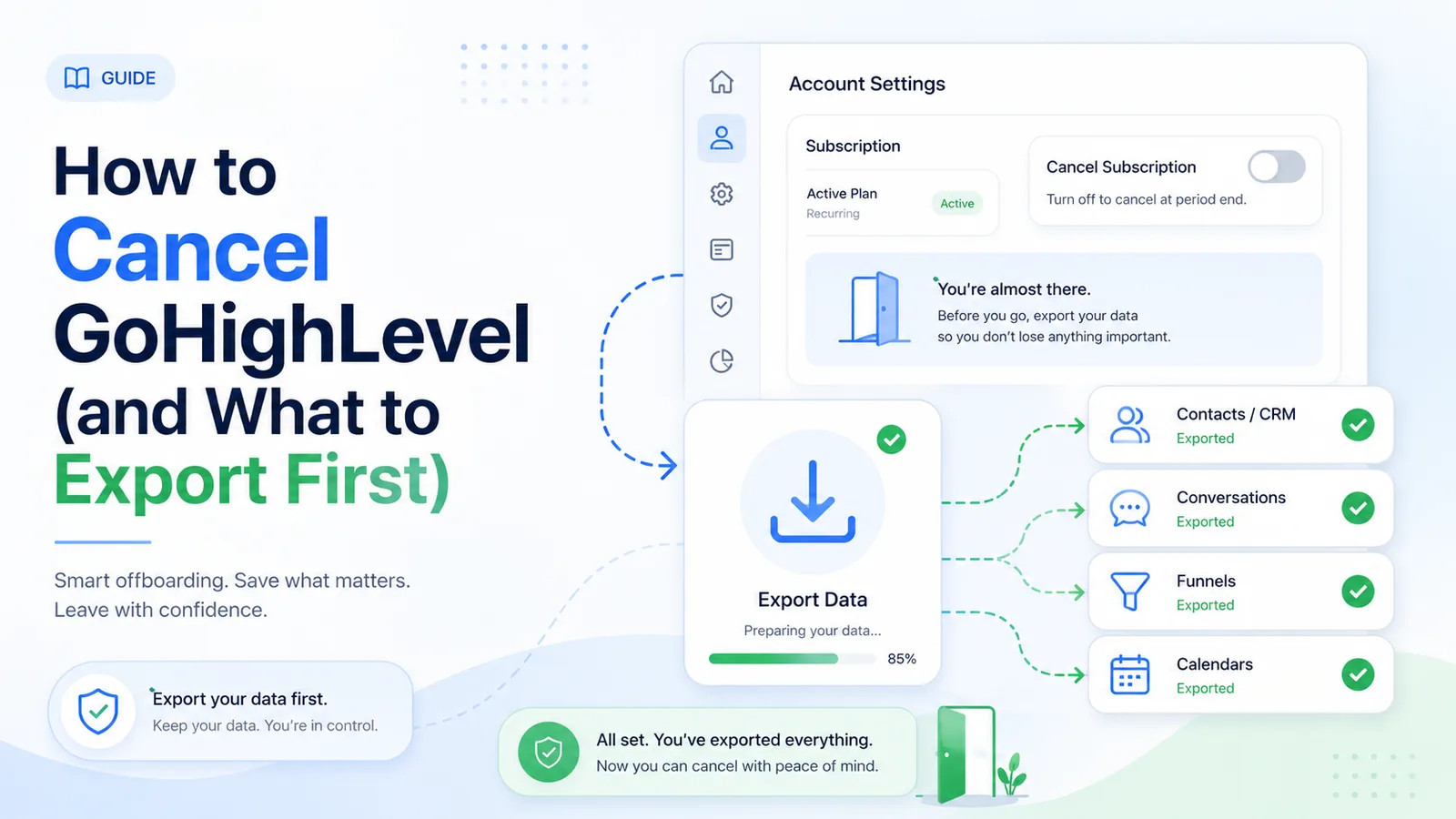
Cancelling GoHighLevel is more involved than most SaaS products, and the order of operations matters. Do the export first. Once the account is closed, your contact database, conversation history, review history and workflow configurations are gone, and support cannot generally retrieve them for you.
This guide covers the exact cancellation path, what happens to your billing cycle, what the refund position actually is, and a data-export checklist to work through before you click anything.
Work through this list while you still have full access. It takes about an hour for a typical account and saves a great deal of pain later.
Contacts. Go to Contacts, select all, and export to CSV. Check that custom fields came through — they are the part people most often lose. If you have multiple sub-accounts, export each one separately.
Opportunities and pipelines. Export each pipeline. Note the stage names and their order somewhere, because a CSV of opportunities without the pipeline structure is much harder to rebuild.
Review history. This one has no clean export path, which catches people out. Your actual reviews live on Google and Facebook and stay there — you do not lose those. What you lose is the request history: who you asked, when, through which channel, and what the outcome was. If that reporting matters to you, screenshot or export what you can from the Reputation tab before you go. Your Google reviews themselves can be exported separately with a Google review exporter.
Workflows and automations. There is no export-to-file for workflow logic. Screenshot each workflow, or write out the trigger, steps, wait times and conditions in a document. If you plan to rebuild the same processes elsewhere, this documentation is worth more than the CSVs.
Email and SMS templates. Copy the body text of anything you have written, including review request templates.
Funnels, websites and forms. Screenshot the layouts and copy the text. Funnels cannot be exported outside GoHighLevel. If a funnel is on a custom domain, plan where that domain will point afterwards.
Calendars and appointments. Export upcoming appointments so nothing gets dropped in the handover.
Phone numbers. If you are using LC Phone numbers you care about — a tracking number on your vehicles or your printed materials — start the port-out process before cancelling. A released number is gone. Porting takes days to weeks, so this is the item to start first.
Invoices and payment records. Download from Agency View → Settings → Billing for your accountant.
Media library. Download logos, images and files you uploaded.
Cancellation is done from the agency level, not from a sub-account.
1. Log in and switch to Agency View (top-left account switcher).
2. Go to Settings, then the Billing tab.
3. Your current plan is shown. Beneath it, look for the small line reading “To modify or cancel, please click here.” Click it.
4. A modification pop-up appears. The cancel option is not on the first screen — select Show more options at the bottom.
5. Choose a cancellation reason. If you would rather not say, Other is accepted.
6. On the next screen you will be shown retention offers and information. Scroll all the way to the bottom to find the cancel button.
7. Complete the form using the email address and phone number attached to the account, and submit.
8. Wait for confirmation by email. This is the step people miss: submitting the form does not close the account. A team member confirms it, typically within 24 to 72 hours.
To avoid being charged for another cycle, submit the request several days before your renewal date rather than the day before. If confirmation has not arrived within 72 hours, follow up rather than assuming it went through.
Same path. GoHighLevel's trial requires a card, so cancel before the trial ends or you will be billed for the first month. Give yourself a couple of days of margin for the confirmation step.
If you were sold a sub-account by an agency running GoHighLevel in SaaS mode rather than signing up with HighLevel directly, HighLevel cannot cancel for you. Contact your agency admin. This is stated plainly in HighLevel's own billing documentation.
Agency owners can cancel location-level subscriptions themselves from Settings → Billing → Reselling → Show sub-accounts → the three-dot Actions menu → Cancel Subscription. You will be offered two options: cancel at the end of the billing cycle, or cancel immediately. Neither produces a refund or proration. Before you disable SaaS on a client account, request a refund of any unused purchased wallet credits — complimentary credits do not qualify.
Be realistic about what you will get back.
Monthly plans. GoHighLevel does not offer a money-back guarantee on subscription fees. Assume you are paid up to the end of the current cycle and no further.
Annual plans. Mid-term cancellations are handled case by case. Ask explicitly, in writing, when you submit.
Your agency wallet. This is separate from the subscription and easy to forget. The wallet holds prepaid credit for phone, email, AI and workflow premium usage, and it auto-recharges from your card when the balance drops below your minimum. Turn auto-recharge off before you cancel, or you may fund a wallet you are about to lose access to. Ask about refunding the remaining purchased balance.
Add-ons. Check for separate subscriptions that may not stop automatically — Online Listings, WordPress hosting, the whitelabel mobile app, premium support, HIPAA compliance. Worth noting: once HIPAA compliance has been purchased and enabled it cannot be deactivated, so confirm how that is handled on closure.
Marketplace apps. Apps bought through the HighLevel App Marketplace follow their own refund policy: a prorated refund only within 3 days of the initial purchase, and renewals generally non-refundable once processed. Cancel these individually before the next renewal date.
If any refund is processed, expect roughly 5 to 7 days for it to reach your card.
A fair number of people arrive at GoHighLevel for the reputation module and end up paying for a full marketing platform to use one tab of it. If that is roughly your story, the useful question on the way out is not which all-in-one to switch to, but whether you need an all-in-one at all.
Our breakdown of GoHighLevel alternatives splits the options by what you actually need: another full platform, a funnel builder, or a tool that only does reviews. And if you want the detail on what the module did and did not cover, we have written an honest breakdown of GoHighLevel reputation management.
If you are leaving because reviews were the only part you used, you can test a tool built solely for that job before committing to anything. Start a free 14-day trial of TrueReview — automated SMS and email review requests with built-in follow-up, monitoring across Google, Facebook and dozens of other sites, and flat pricing with requests included rather than metered.