BLOG POST
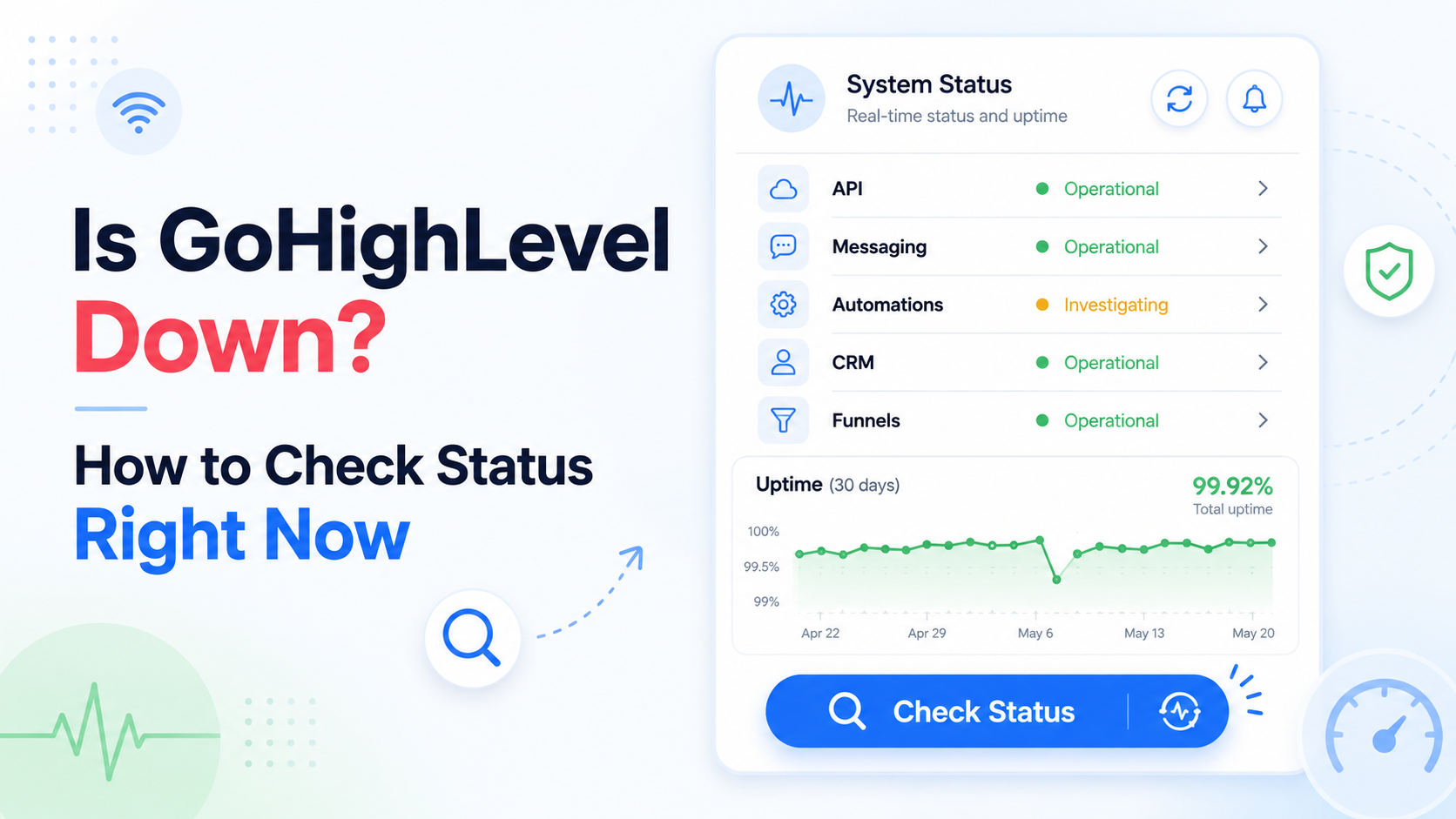
1. The official status page: status.gohighlevel.com. Component-level status and any active incident. Bookmark it. One caveat worth knowing: users have complained in HighLevel's own feature-request forum that the status page does not always load or update promptly during an incident, so treat a green page as suggestive rather than conclusive.
2. Downdetector. Search for HighLevel. User-reported spikes often appear before an incident is officially acknowledged, and the volume of reports tells you whether it is widespread.
3. Third-party monitors. IsDown and StatusGator both track HighLevel components and sometimes detect problems ahead of official confirmation.
4. Community channels. The official HighLevel Facebook groups move fast during an outage. If a dozen people posted the same symptom in the last ten minutes, it is not you.
Run these before contacting support or telling a client something is broken.
DNS still propagating. If you recently pointed a custom domain at a funnel or sub-account, propagation can take anywhere from a few minutes to 48 hours. During that window the site may load for you and not for others, or vice versa.
A disconnected integration. Google Business Profile, Facebook and Stripe connections expire or get revoked when someone changes a password or a permission. Reviews stop syncing, nothing else changes, and it looks like a platform fault. Check Settings → Integrations.
A2P registration issues. If outbound SMS specifically fails while everything else works, check your A2P 10DLC campaign status. A rejected or lapsed campaign stops messaging without taking anything else down.
Workflow errors. If automations stopped but the interface works, open the workflow's execution history. A single failing step will silently stall a sequence.
Partial outages. Not everything fails at once. Recent logged incidents have affected specific components — API endpoints, or Facebook lead syncing — while the rest of the platform ran normally. That is why the status page's component breakdown is more useful than the overall banner.
If it is a genuine outage, there is nothing to fix on your end. A few things that help:
Tell clients before they tell you. A short message saying you are aware and monitoring costs nothing and prevents the panicked call.
Do not rebuild anything. The instinct to start reconfiguring during an incident creates real problems that outlast the outage.
Note what failed. If review requests or messages were queued during the window, check afterwards whether they sent or need re-triggering.
Check the wallet afterwards. Retried sends can consume more credit than expected.
Clear your browser cache and log back in — stale cached assets can make a recovered platform look like it is still broken. Then verify that anything time-sensitive actually went out: appointment reminders, review requests, and any workflow that was mid-sequence.
If a particular integration keeps dropping, that is worth fixing properly rather than reconnecting each time. And if reviews specifically are what stopped, our guide to review request automation in GoHighLevel covers the settings that most often silently break the flow.





