BLOG POST
Google reviews aren't a vanity metric. They're the single most visible signal a customer sees before deciding whether your business is worth their money — and they directly influence whether Google shows you in the local map pack at all.
If you're a local business owner staring at a profile with eight reviews from 2022 while your competitor has 340 reviews and a steady stream of new ones every week, you already know the gap matters. This guide walks through exactly how Google reviews for business work, why they move revenue, how to get more of them consistently, what to do when bad ones land, and how the highest-rated local businesses turn reviews into a compounding growth engine.
By the end of this guide, you'll have a clear playbook — not a list of tips. Let's get into it.
Most business owners underestimate just how much Google reviews shape the buying decision. A few numbers worth knowing:
That last point is the one most owners miss. Google ratings for businesses aren't just a trust signal for customers — they're a ranking factor. Two businesses can be identical in every other way, and the one with 200 four-and-a-half-star reviews will outrank the one with 30. Reviews are SEO.
There's also a compounding effect: more reviews means better ranking, which means more visibility, which means more customers, which means more reviews. Businesses that figure out a system to consistently request reviews don't just win once — they pull further ahead every month.
When a potential customer Googles "best dentist near me" or "auto repair Miami," the results page shows them three things before they ever click:
In all three places, your star rating is shown in big, bold, decision-shaping type. A customer scanning ten options doesn't read every business name. They scan stars. The 4.8 next to your name is doing the selling for you while the 3.9 next to a competitor is silently disqualifying them.
Google reviews live on your Google Business Profile (formerly Google My Business). This is the free profile every local business gets when they verify their location with Google. Once verified, your profile becomes the canvas where customers leave reviews, see your photos, and find your hours.
Each review on your profile shows:
Reviews are tied to Google accounts. They're public, permanent, and indexed by Google's search results — which means a positive review can show up in searches for years. The flip side is also true: a negative review is essentially permanent unless it violates Google's policies.
There are a few things every owner should know:
You can't filter reviews. Google shows all reviews on your profile in chronological order. You can't hide bad ones, you can't promote good ones, and you can't reorder them. The only way to push a bad review down is to get more good ones on top of it.
You can respond to every review. Public replies are visible to anyone reading the review. Replies don't change the rating, but they show prospective customers that you're engaged. We'll cover response strategy below.
Reviewers can edit their reviews after posting. This matters: if you handle a customer complaint well, a 1-star reviewer can edit their review up to 5 stars. Many do.
Google can remove reviews — but rarely does. Reviews that violate Google's content policies (fake reviews, conflicts of interest, hate speech, off-topic) can be flagged. Genuine but negative reviews almost never get removed, even if you disagree with them.
Before you can collect reviews, you need a verified profile. Skip this section if you already have one.
A complete profile with photos, accurate hours, and a clear service list ranks better and converts review-page visitors more reliably than a sparse one. Don't skip the setup polish.
This is the section every owner wants. Here's the truth: there's no magic trick. The businesses that win at reviews do a small number of things consistently. Here are the seven methods that drive real results, ranked roughly by effectiveness for most local businesses.
Timing is the single biggest factor in whether a customer leaves a review. The window matters. Ask too early and they don't have an experience to review. Ask too late and they've forgotten how good it was.
The sweet spot is usually within 24–72 hours of the service being completed:
The window varies by industry, but the principle is universal: ask while the experience is still vivid.
Text messages have an open rate of about 98%. Email is closer to 20%. For review requests specifically, SMS converts at roughly 5–10x the rate of email — partly because of open rates, partly because customers can tap the link, leave the review on their phone, and be done in 90 seconds.
A simple SMS template that works:
Hi [first name], thanks for choosing [business name]! If you have 30 seconds, we'd really appreciate a quick Google review: [link]. It helps us a lot. — [your name]
Personalization matters. Generic blasts feel like spam. Including the customer's first name and signing with a real person's name makes the message feel earned.
Some customers prefer email. Some don't see your text. A two-touch approach — SMS on day one, email on day three or four for the non-responders — captures a much wider net than either channel alone.
Email gives you more room to explain the why behind the request. A short note like "We're a small business and Google reviews are how new customers find us. If you have a minute, here's the link" outperforms a one-liner.
If a customer doesn't respond to the first request, the second is much more likely to land. The third is more effective than the second. But there's a ceiling — after about three requests, you're nagging.
A typical effective drip looks like:
Manually managing this for every customer is impossible. Most businesses doing it well use review automation software that handles the timing for them.
A QR code or sticker at the front desk, on the receipt, in the bathroom, on the takeout bag, or on the back of a business card gets reviews from customers who would never see a digital request.
Restaurants and walk-in service businesses get the most lift from physical review prompts. Pair a sticker with verbal reminders from staff and the conversion rate climbs.
A 10-second mention from your staff member at checkout — "If you have a great experience today, we'd love it if you left us a Google review" — primes the customer to expect the request. When the SMS hits an hour later, they're already thinking about it.
This costs nothing and works in nearly every customer-facing business.
The single biggest reason customers don't leave reviews isn't that they didn't want to. It's friction. They received a vague message, didn't know which platform you wanted, couldn't find your business in a search, weren't logged into Google, gave up.
Every step you remove from the path increases conversion:
What separates a generic 5-star "great service!" from a review that actually drives new customers? Specifics. Reviews that mention names, services, and outcomes carry far more weight than vague praise.
Here are the kinds of details that make a review high-value:
The customer mentions a specific service or product. "Brought my Civic in for a brake job and clutch replacement" tells future customers exactly what this shop handles.
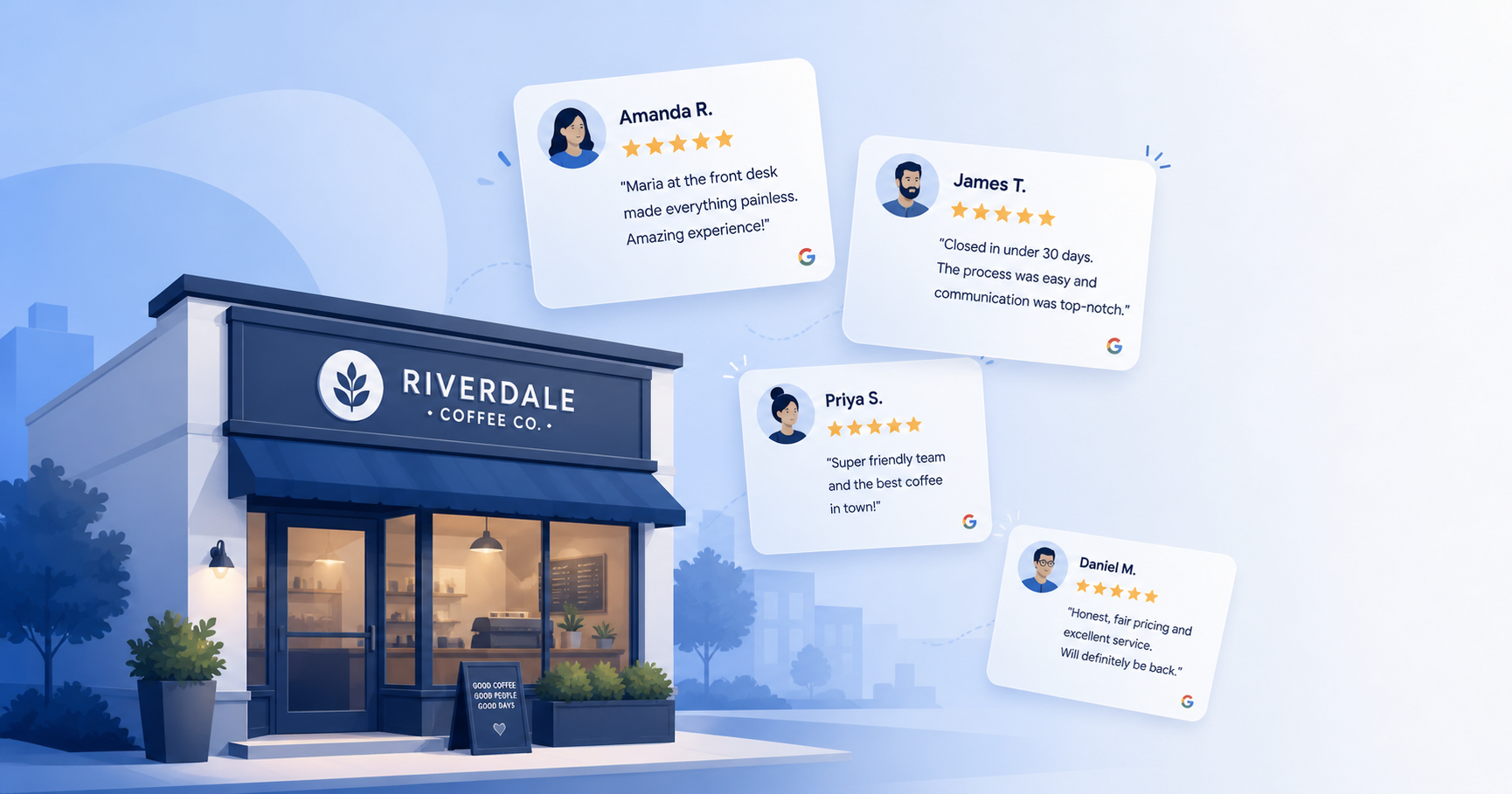
They name the team member. "Maria at the front desk made the whole intake process painless" gives the review a human face and signals real engagement.
They describe the outcome. "Closed on our first home in under 30 days" gives prospective clients a concrete reason to expect similar results.
They mention what could have gone wrong but didn't. "Was nervous about a same-day appointment but they got me in and out in 90 minutes" addresses common customer worries before they're voiced.
They explain why they chose you over competitors. "Called three other shops first — only this one called me back the same hour" positions you against the alternatives.
Getting the wording of that ask right — and the timing behind it — is its own skill. For a step-by-step walkthrough, see our guide on ask customers for feedback. It also helps to understand what a strong review looks like from the customer's side of the screen. For more tactics, see our guide on how to write a google review for a business.
You can't script reviews — that would violate Google's policies. But you can guide customers toward more useful detail with subtle prompting in your request. Asking "What stood out about your experience today?" or "Was there a team member who made a difference?" produces richer reviews than a generic "tell us how we did."
When you reply to reviews, you can also model the kind of detail that's helpful. Replying to a sparse review with "Thank you, Mark — glad the team got your AC unit running again before the heat wave hit. We appreciate you choosing us!" subtly demonstrates the kind of context future reviewers might include.
Roughly 90% of customers who leave reviews check whether the business responded — and how. Responses are part of your public reputation, not just an afterthought. Reviews are one piece of a wider reputation footprint that increasingly spans social platforms too. See also our guide on social media reputation management.
Don't copy and paste the same template to every 5-star review. Generic replies look automated, which they often are, and customers notice. A 30-second personalized reply does more than a 10-second template reply could.
A good positive-review response:
Bad: "Thanks for the review! We appreciate your business."
Better: "Thanks Sarah — really glad the team got you in same-day and that the new crown is feeling great. We appreciate you taking the time to write this."
This is where most owners panic, get defensive, and make the situation worse. The single rule for negative review responses: the response isn't for the angry reviewer. It's for the next 100 customers who'll read it.
A defensive, argumentative reply to a 1-star review is a marketing disaster. A calm, professional, solution-oriented reply turns a negative review into a positive trust signal — even if the original reviewer never updates their rating.
A good negative-review response:
Avoid: "This is completely false. We have records showing..."
Better: "We're sorry to hear about your experience, John. We'd like to understand what happened and make it right — could you give us a call at (555) 123-4567 so we can look into this directly?"
If a review is genuinely fake, a competitor attack, or violates Google's policies, you can flag it for removal. Don't expect fast resolution — Google removes only a small fraction of disputed reviews. The better long-term strategy is volume: a single bad review is far less damaging when it's surrounded by 200 good ones.
Reviews aren't only valuable on Google. Embedding them on your website does several things at once: it builds trust on every page a visitor lands on, it can boost time-on-site metrics, and it gives you content that ranks for review-related searches.
The most common placements:
Embedding can be done manually with Google's API, but most businesses use a review widget that pulls reviews automatically and updates as new ones come in.
Some clarifying realities every owner should hear:
Reviews won't fix a fundamentally bad customer experience. If your service quality is the problem, more requests just expose more customers to a bad experience. Fix the service first, then scale review collection.
Buying or incentivizing reviews violates Google's policies. Offering a discount in exchange for a review, paying for fake reviews, or running "review for review" exchanges can result in your reviews being wiped or your profile being suspended. The short-term boost isn't worth the risk. Stick to genuine, asked-for reviews from real customers.
You can't bury a bad review by mass-requesting reviews from your friends. Google's algorithms detect unusual patterns — a sudden spike of reviews from accounts with no review history, all from the same IP range, all within a few days — and either filter them out or penalize the profile.
Volume alone doesn't beat freshness. Google weighs recent reviews more heavily than old ones. A business with 50 reviews from the last 90 days outranks one with 500 from three years ago. Consistency beats blitz.
The businesses that win at this don't run review campaigns. They build systems that generate reviews automatically, every week, forever.
A working system has four parts:
A trigger. Something that signals "this customer's experience is complete and they're ready to be asked." For dental practices, it's the appointment ending. For contractors, it's invoice paid. For restaurants, it's the credit card being run. For real estate agents, it's closing day. The trigger needs to be unambiguous and ideally automatic.
A delivery channel. Usually SMS for the first request, with email as a backup channel for non-responders. Whichever channels you choose, they need to fire automatically — not depend on someone remembering.
A drip with sensible cadence. First request, follow-up 3–4 days later, final reminder a week after that, then stop. The customers who'll leave a review will do it within 8 days of the experience. After that, you're nagging.
A feedback loop. Track which channels and which timing produce the most reviews. Track which customer types convert best. Adjust the system based on what you learn.
Most businesses we work with at TrueReview start with manual processes, hit a ceiling, and switch to automation when they realize their team is forgetting to ask 60% of customers. Automation isn't about replacing the human element — it's about ensuring the request actually goes out every time, on time, in the right channel.
A few patterns we see over and over, in every industry:
TrueReview is built for one job: making sure every customer gets asked for a review, automatically, at the right time, on the right channel.
Here's what that looks like in practice:
You can try TrueReview free for 14 days and send up to 250 SMS and email review requests during the trial. No long contracts, no setup fees, and our team will help get you connected to whatever systems you're already using.





