
BLOG POST
In the competitive world of luxury transportation, your online reputation can make or break your business. Customer reviews are the digital word-of-mouth that drives new bookings, but manually requesting reviews after every ride? That's time you don't have.
The good news: you can automate the entire process in just a few minutes. Here's how to connect Limo Anywhere with TrueReview using Zapier to send review requests automatically after every completed trip.
Before we dive into the setup, let's talk about why this matters. Every completed trip is an opportunity to gather feedback and build your reputation. But when you're juggling dispatch, customer service, and fleet management, following up with customers often falls through the cracks.
Automation ensures that every satisfied customer receives a timely review request without any manual effort on your part. The result? More reviews, better online visibility, and increased bookings—all on autopilot.
To get started, you'll need:
That's it. No coding required, no technical expertise necessary.
To get started, head over to Zapier and either create an account or log in to your existing one. Then create a new Zap and search for Limo Anywhere.
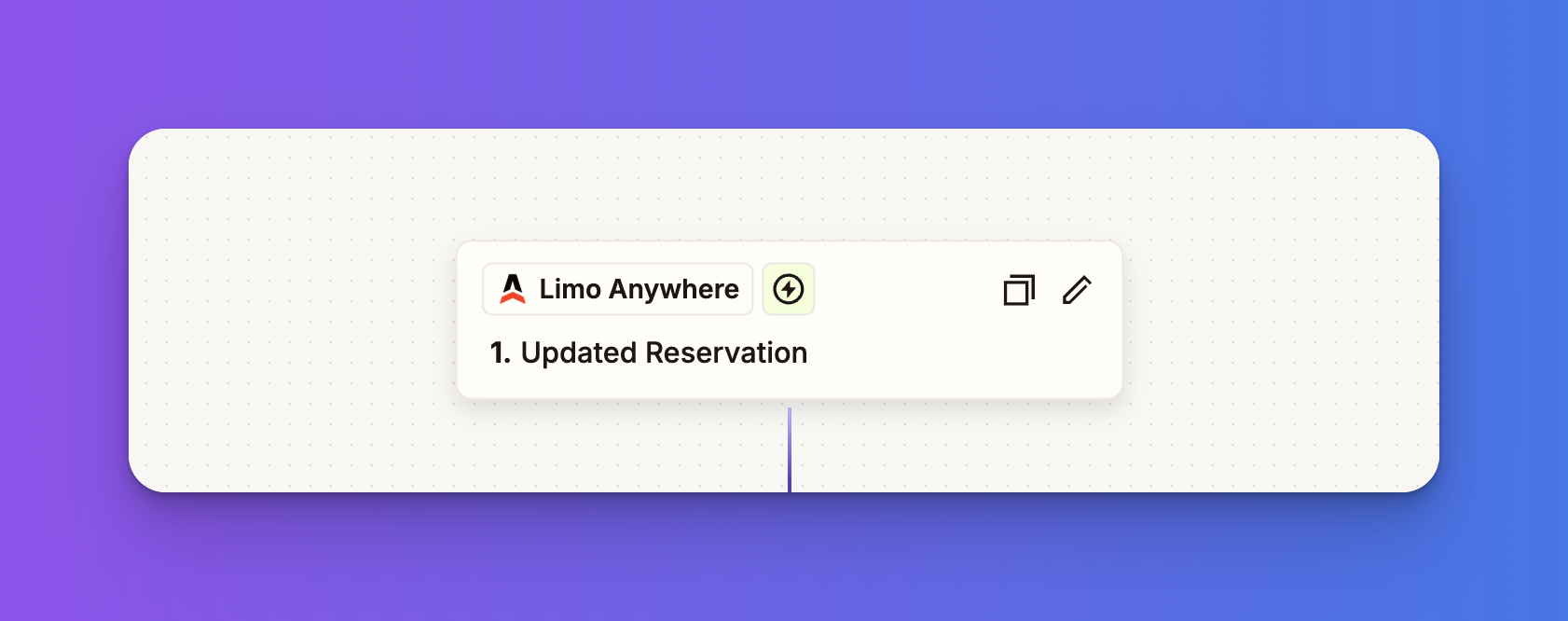
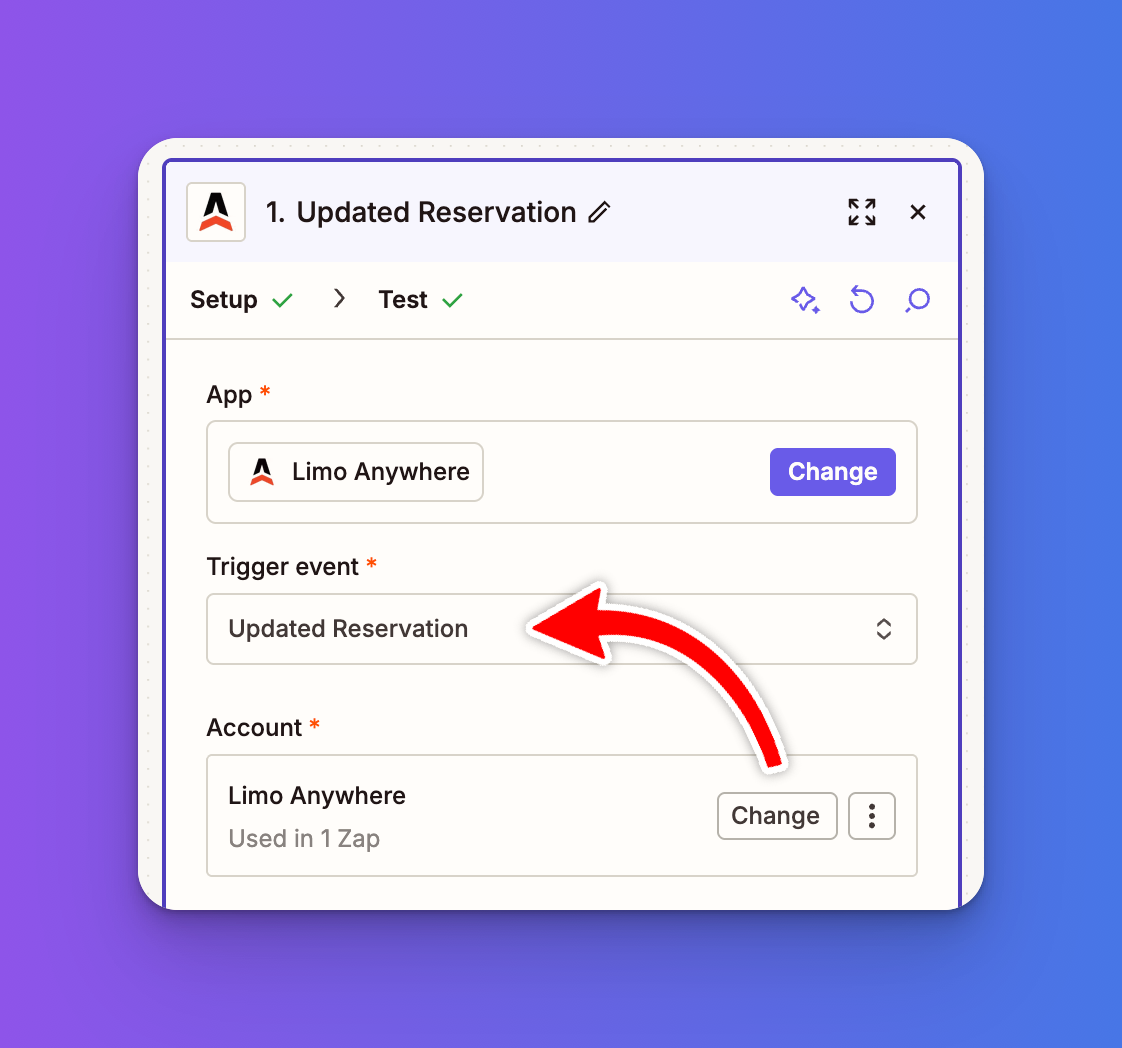
Under Trigger Event, select Updated Reservation
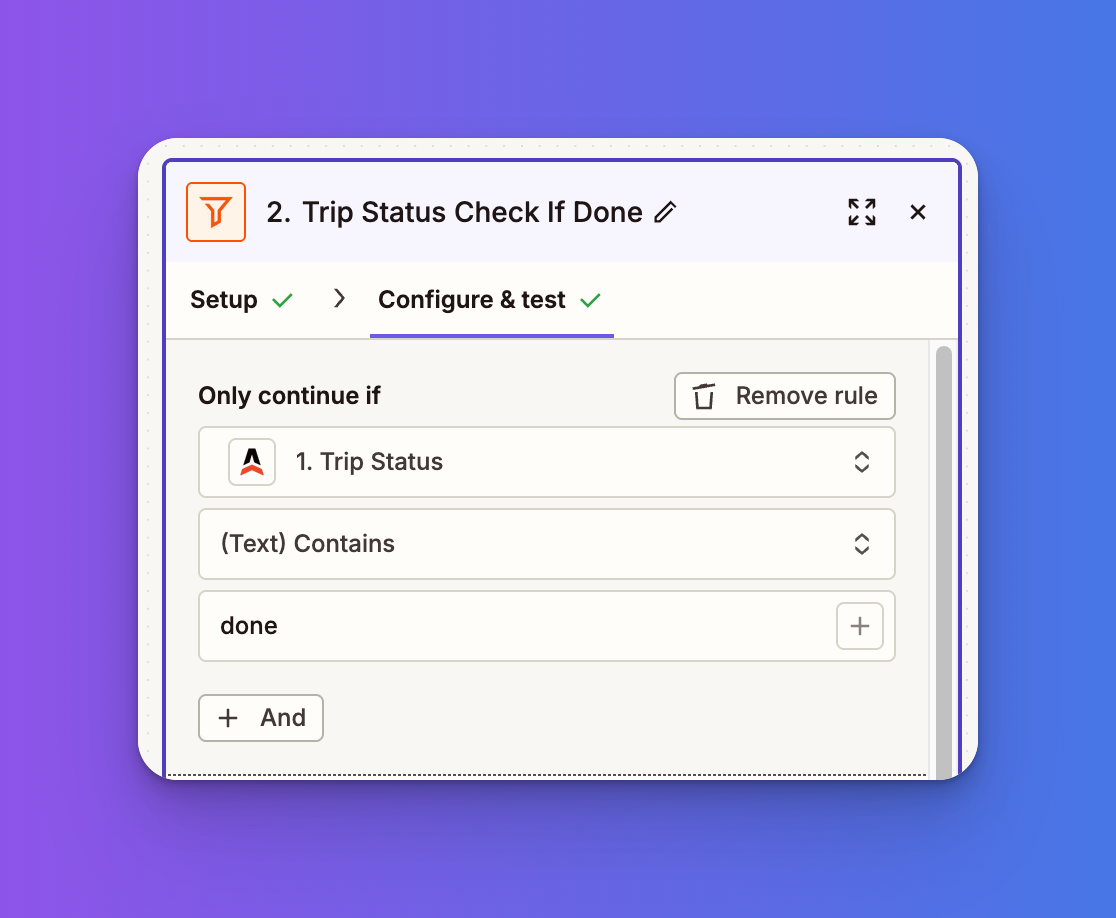
Next, click the plus icon and add a Filter step.
Set the filter to only continue if the Trip Status contains the word “done.”
Continue to the Action step and add TrueReview.
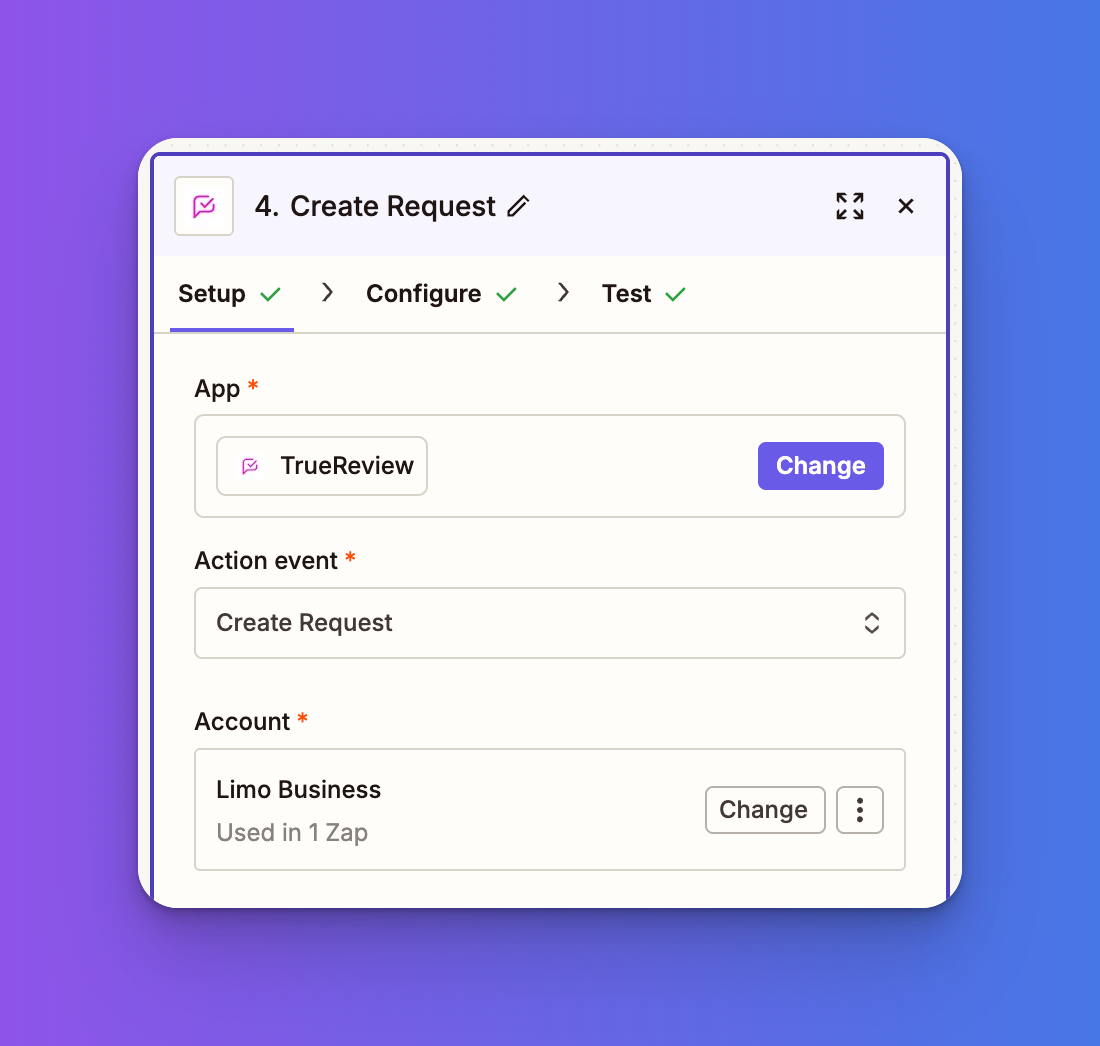
Under Action Event, select one of the following options:
Create Contact
Adds the contact to your TrueReview profile.
Create Request
Sends the review request to the customer.
Next, in the Configure step, map your customer information such as name, phone number, and email. In the Notes field, you can include additional reference details like the confirmation number or pickup and drop off locations.
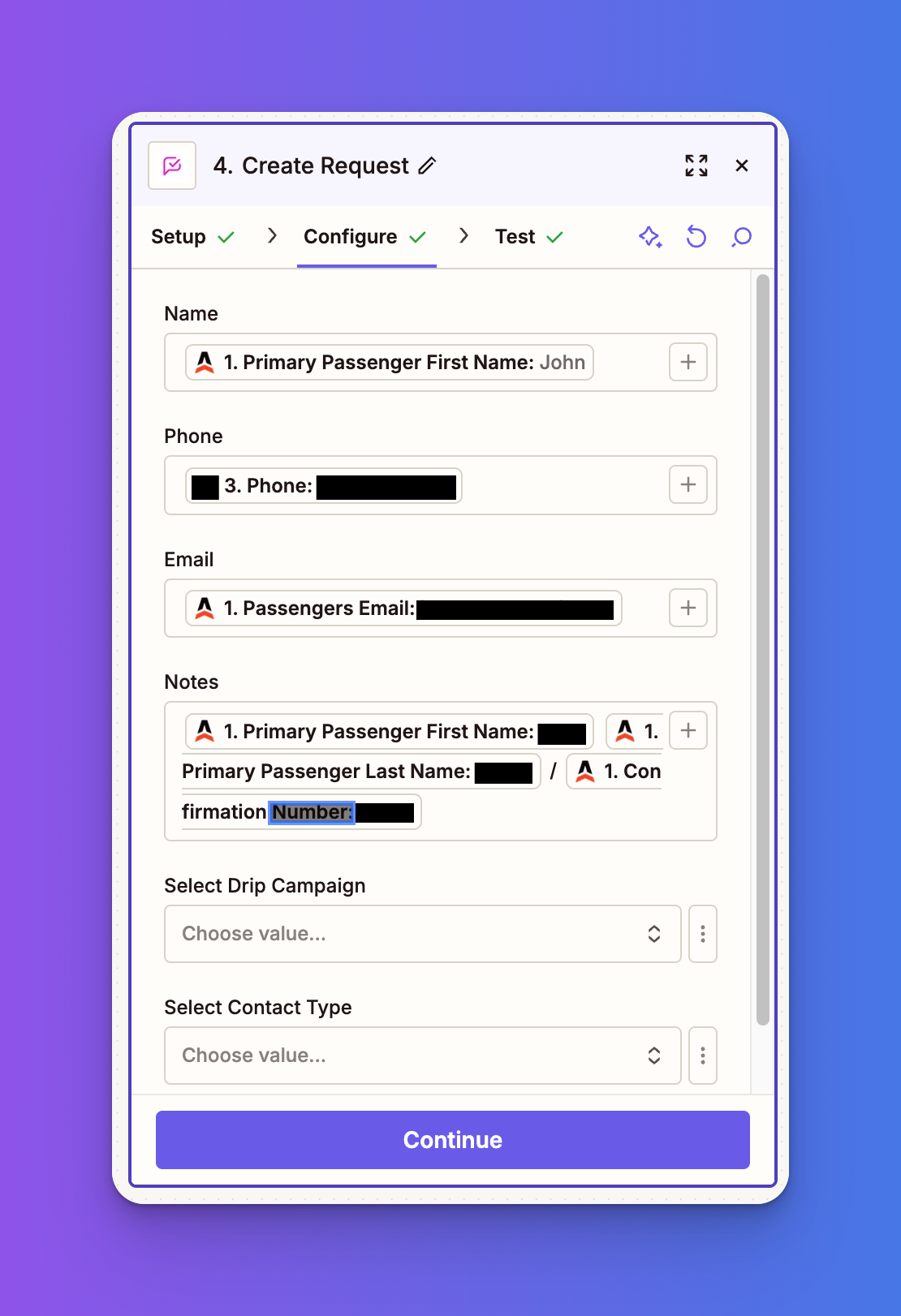
Test your step and publish your Zap. You’re now ready to automate review requests.
From this point forward, here's the beautiful simplicity of what you've created:
Now that your automation is running, here are a few tips to maximize your review collection:
Timing matters - Make sure trips are marked as complete promptly while the experience is fresh in customers' minds.
Keep it personal - Use those notes fields to reference specific details about their trip. A personalized request gets better response rates.
Monitor and respond - Set aside time weekly to respond to new reviews. This shows future customers that you're engaged and care about feedback.
Don't overwhelm - If a customer books multiple trips, make sure your TrueReview settings prevent sending too many requests in a short period.
Integrating Limo Anywhere with TrueReview through Zapier is one of those rare wins that takes minutes to set up but delivers ongoing value for months and years to come. Every completed trip becomes an opportunity to strengthen your online reputation automatically.
In an industry where trust and reputation drive bookings, can you really afford not to automate this process?
Ready to get started? The setup takes less time than a single airport transfer, and the ROI in terms of reviews and new business can be substantial.





