How to Export Google Reviews to CSV or Excel (Free)
May 13, 2026
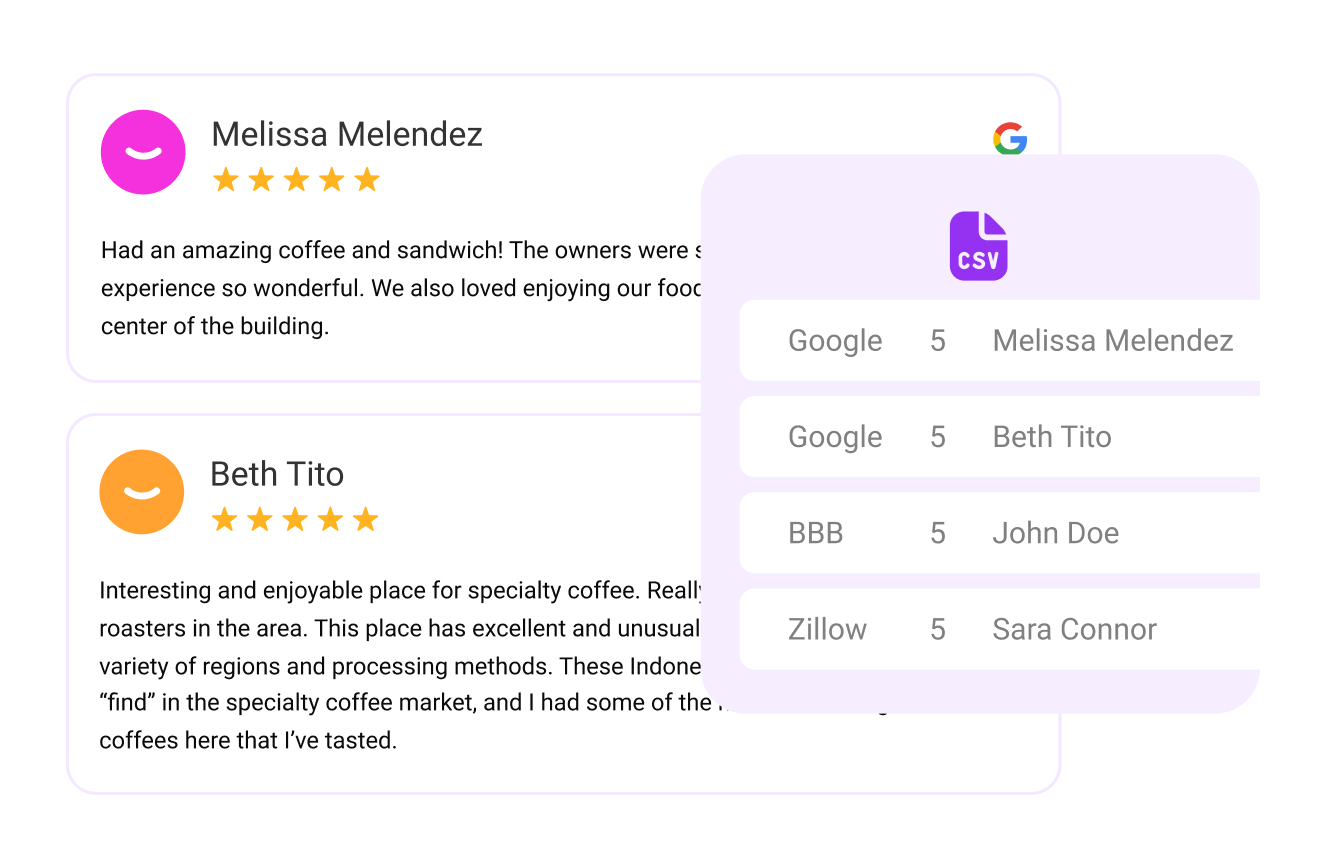
Having direct access to your review data is invaluable — for reporting, backup, or analysis. There are two ways to export your Google Business Profile reviews: Google’s own free Google Takeout export (the official route), or a one-click export through TrueReview that pulls Google and 20+ other platforms into a single, analysis-ready CSV. This guide covers both, so you can pick the one that fits.
The 90-second answer
Connect your Google Business Profile in TrueReview, click Export Reviews, download the CSV.
Sign up for the free 14-day trial, connect your Google Business Profile, and click Export Reviews in the dashboard. The CSV downloads in seconds with every review, rating, date, and reviewer name — ready to open in Excel, Google Sheets, or any BI tool.
One quick note before the use cases: exporting is what most people search for, but it's only half the picture. The other half is making sure there are enough new reviews coming in each month to make the export worth running. Automated review request software handles the inbound side via SMS and email after every customer visit, so by the time you go to export, you have a year of fresh, recent reviews to analyze — not a stagnant file from three years ago. Reviews from users in the Google Local Guide program often carry extra visibility on Maps.
Why Export Reviews?
Data analysis & reporting
Use Excel, Google Sheets, or BI tools to dig deeper into trends — sentiment, rating distribution, review volume over time.
Backup
Maintain an offline copy of your review history. Useful in case of a profile suspension, accidental deletion, or platform changes.
Cross-platform comparison
Combine Google reviews with feedback from Facebook, Yelp, Tripadvisor, and more — TrueReview supports 20+ sources.
Integration & automation
Pipe the CSV data into internal dashboards, CRM systems, or automated reports for stakeholders.
Two Ways to Export Your Google Reviews
There are two practical ways to get your Google Business Profile reviews out of Google and into a spreadsheet. The first is Google's own free export via Google Takeout — the “official” method most people are searching for. The second is a one-click export through TrueReview that pulls Google alongside 20+ other platforms into a single, analysis-ready file. Here's how each one works, and when to use it.
Method 1: Export Google Reviews with Google Takeout (Free, Official)
Google Takeout is Google's built-in data export tool, and it can include the reviews and other data associated with your Google Business Profile. It's free, it's the official route, and it doesn't require any third-party tool — the trade-off is that the export is a raw data dump rather than a clean, ready-to-analyze review spreadsheet, and it only covers Google (not Yelp, Facebook, or other platforms).
1
Sign in and open Google Takeout
Go to takeout.google.com while signed in to the Google account that manages your Business Profile. This is the same account you use to respond to reviews.
2
Deselect everything, then select your business data
Takeout selects every Google product by default. Click Deselect all, then scroll to the Business Profile data and check it. This keeps the export small and focused on your reviews and profile data rather than your entire Google account.
3
Choose your file type and delivery
Pick a delivery method (download link by email is easiest), a file type (.zip), and a size. Then click Create export.
4
Wait for the export, then download and open the file
Takeout prepares the archive in the background — anywhere from a few minutes to a few hours depending on size. When it's ready, download the .zip, unpack it, and open the review data in Excel or Google Sheets. Because it's a raw export, expect to do some cleanup before it's report-ready.
When Takeout falls short
Google Takeout is fine for a one-off backup, but the output is raw and Google-only. If you want a clean CSV with reviewer name, rating, date, text, and your responses already in tidy columns — across Google and Yelp, Facebook, Tripadvisor, and 20+ more — Method 2 below does it in one click.
Method 2: Export Google Reviews with TrueReview (One Click, All Platforms)
Prefer to watch instead of read? Here's the full walkthrough — connect your Google Business Profile, hit export, download the CSV. Under two minutes from start to finish.
1
Sign up or log in to TrueReview
If you don't already have an account, create one here. The 14-day free trial includes full export functionality.
2
Connect your Google Business Profile
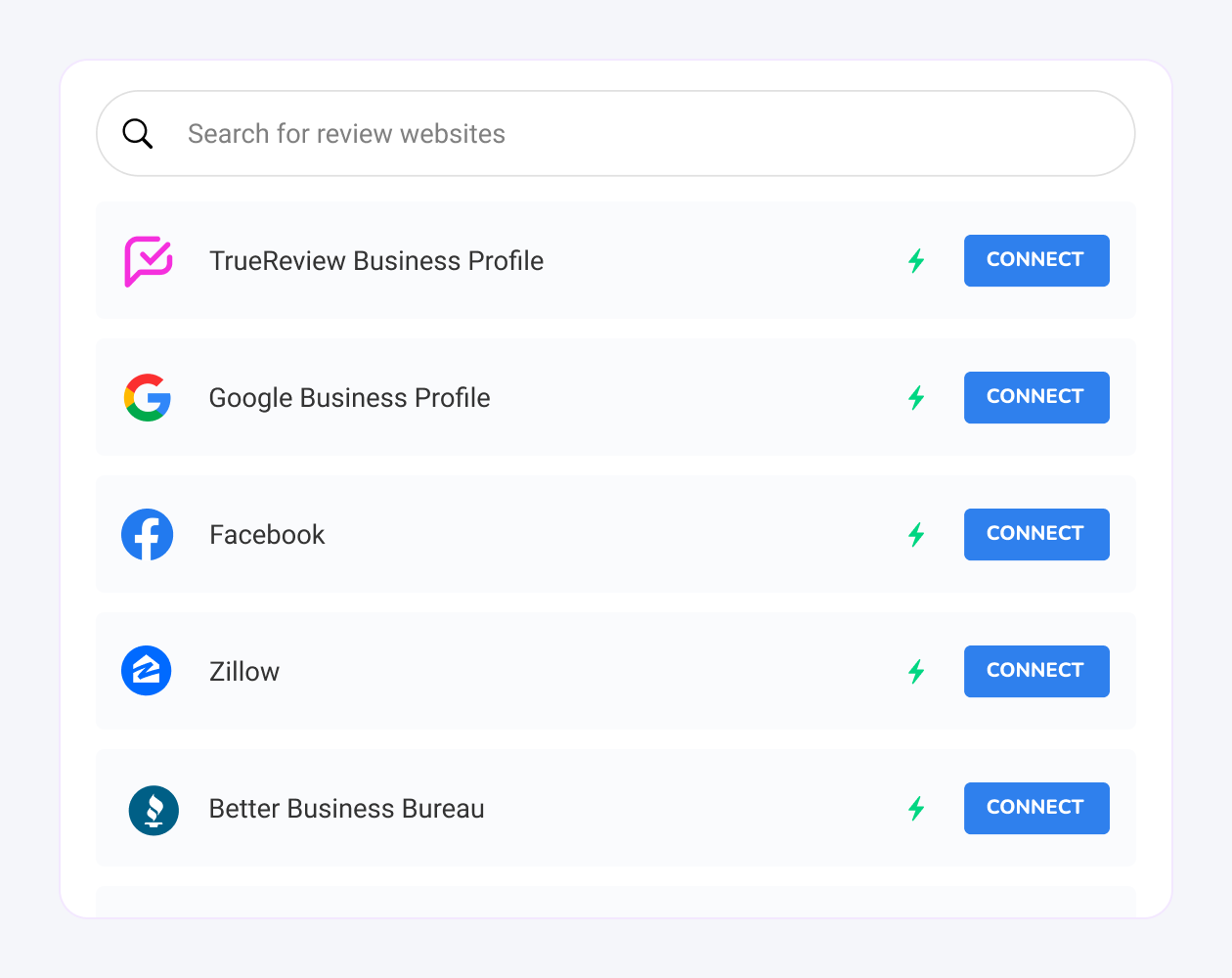
From the dashboard, connect the Google Business Profile (or profiles) you want to export. This is the connection that lets TrueReview pull every review on file.
3
Initiate the export
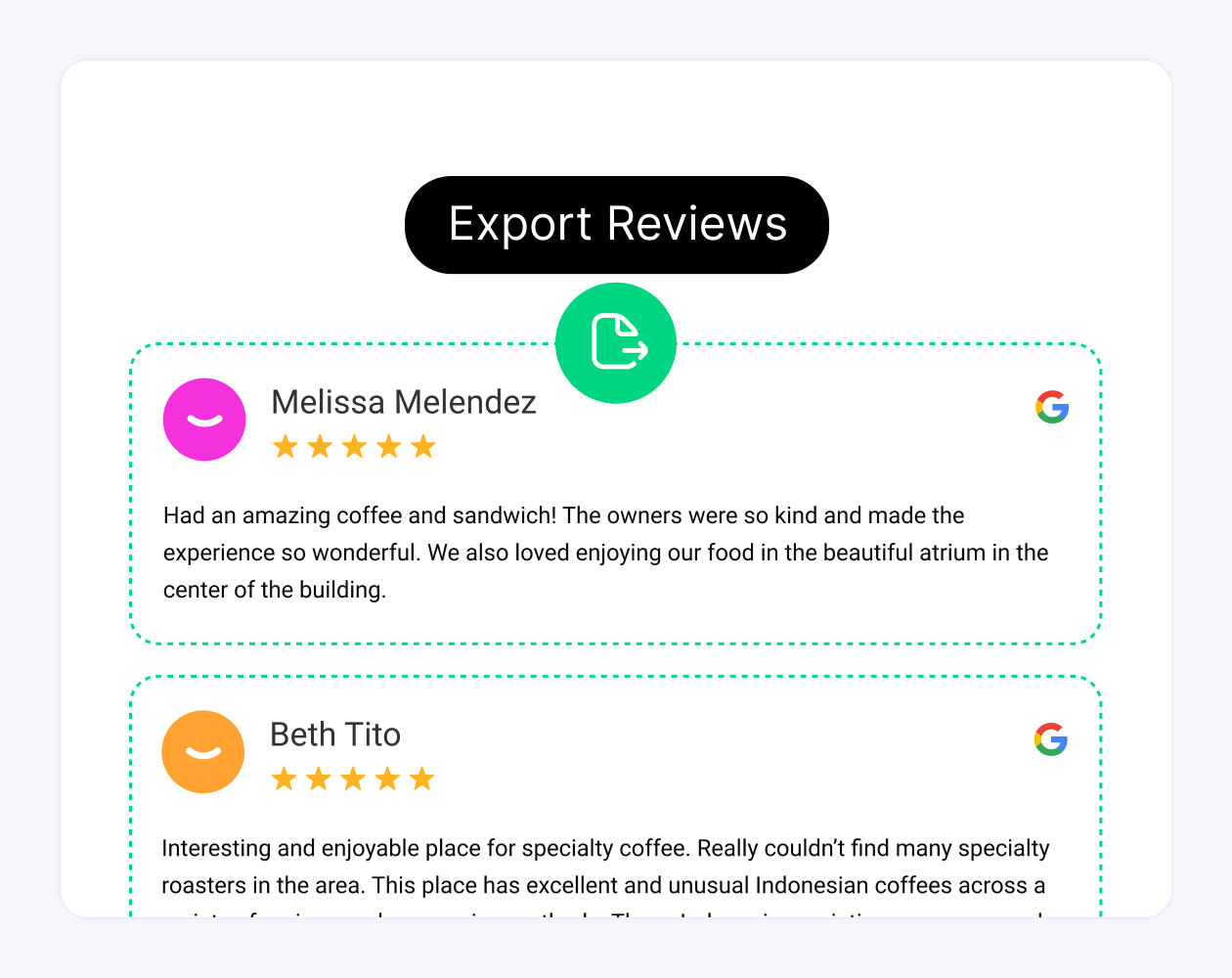
Click the Export Reviews button in your TrueReview dashboard.
4
Download the CSV
The download starts almost immediately. Depending on how many reviews exist and how many profiles you connected, the file is ready in a few seconds.
5
Open and use the CSV
Open the file in Excel, Google Sheets, or your data tool of choice. Sort by date, rating, reviewer name, or source platform — or pipe it into a BI dashboard for ongoing reporting.
Export reviews in the next 5 minutes
The 14-day free trial includes full export access — no quota, no upgrade required. Start your trial, connect your Google Business Profile, and download your CSV before the trial day is over.
Can You Export Google Reviews Directly From Google?
Short answer: Google does not offer a one-click "export all reviews to CSV" button inside the Business Profile dashboard. The closest native options are Google Takeout and the Business Profile interface, but both have real limits — they export account-level data, not a clean per-location review spreadsheet with ratings, dates, and your replies in labeled columns. That gap is exactly what a review export tool fills.
If you'd rather use an official Google method before trying anything else, here are the two routes people look for — and what each one actually gives you. Our guide to can you transfer google reviews to a new business has the details.
Method 1 — Google Takeout
Open Google Takeout while signed in to the Google account that manages your Business Profile.
Deselect everything, then select Business Profile data. Takeout bundles many Google services, so narrow it down to avoid a huge unrelated archive.
Export and download the archive. Google emails a link when the file is ready — this can take anywhere from a few minutes to hours depending on account size.
Open the files. The review data arrives in Google's own format and structure, not a tidy analysis-ready CSV. You'll likely need to reshape it before it's usable in Excel or Sheets.
Method 2 — The Business Profile Dashboard
Inside your Business Profile you can read and reply to reviews and see a share link, but there is no built-in button that downloads every review as a CSV or Excel file. For a single location with a handful of reviews, copy-paste is workable. For multiple locations, hundreds of reviews, or ongoing reporting, it becomes impractical fast.
The faster route: TrueReview's Google review export feature connects your Business Profile and downloads every review — rating, date, reviewer name, source, and your reply — into one clean CSV in seconds, across all your locations at once. The step-by-step is right below.
Export to CSV or Excel: Choosing a Format
Whether you searched for "export Google reviews to Excel," "download reviews to CSV," or "Google review exporter," the destination format matters for what you do next. Here's how the common options compare.
CSV
The most portable format — opens in Excel, Google Sheets, Numbers, and virtually any BI or CRM tool. Best when you plan to sort, filter, or pipe the data into a dashboard. This is what TrueReview downloads.
Excel (.xlsx)
Ideal if you want formulas, pivot tables, or charts. Export to CSV first, then open and save as .xlsx in Excel — you keep every column (rating, date, reviewer, source, reply) and add your own analysis on top.
Google Sheets
Best for sharing reporting with a team. Import the CSV straight into Sheets, or connect the export to an automated reporting flow so stakeholders always see current numbers.
No matter which format you land on, the export is only as valuable as the reviews inside it. Pairing exports with automated review requests keeps a steady flow of recent reviews coming in, so every CSV you pull reflects how customers feel now — not a snapshot from years ago.
Frequently Asked Questions
The most common questions about exporting your Google reviews.
What's in the exported CSV?+
Each row is a single review: reviewer name, star rating, review text, the date it was left, and your reply if you’ve posted one. Google doesn’t include reviewer email addresses or phone numbers in the export.
Can I export reviews from multiple locations at once?+
Google’s own export handles one Business Profile at a time. For multi-location brands, a review management platform pulls every location into a single export so you don’t have to repeat the process per profile.
How often can I export my reviews?+
There’s no hard limit on manual exports — you can run one whenever you need a current snapshot. If you need reviews synced continuously, an automated integration keeps a live copy without manual pulls.
Does exporting reviews delete them from Google?+
No. Exporting only copies your review data — it’s read-only. Your reviews stay live on your Google Business Profile exactly as they were.
That's the whole process — a few clicks to pull your reviews into a spreadsheet you fully control.
See Requests In Action!
We'll text you an example of one of the contact types your customers see when you request reviews.
Demo sent!
Please add a valid phone number.
Msg & data rates may apply. US & Canada only. By submitting your number, you agree to receive SMS messages from TrueReview. Text STOP to opt out.